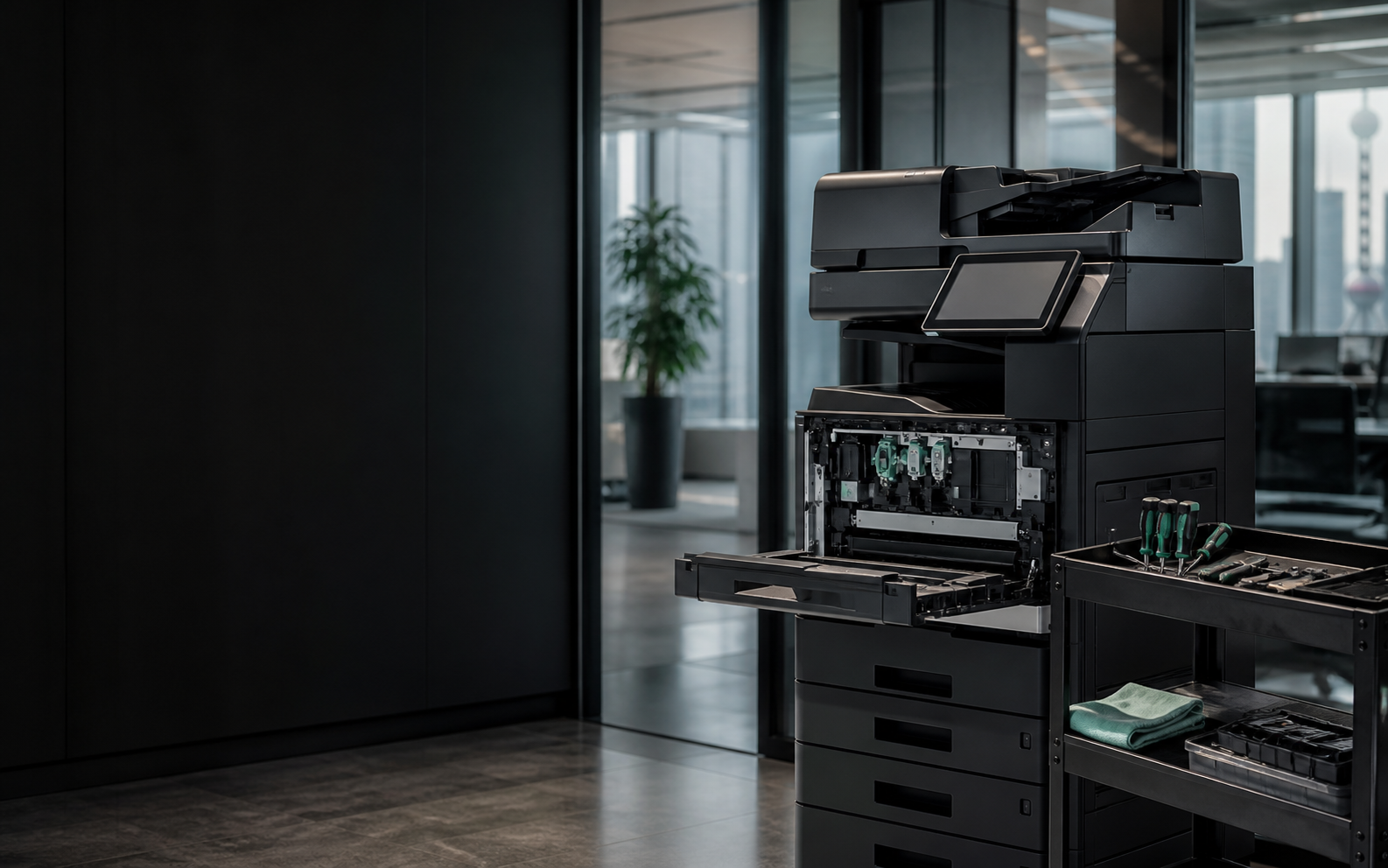
2hr Service response cover
95% First-visit resolution
16+ yrs Office equipment experience
1,000+ Business clients served
Local copier repair in Shanghai
Fast diagnosis with a clear repair plan When a copier jams, shows an error, prints poorly or loses network access, prompt diagnosis helps reduce office downtime. Lindian Office provides diagnostics, repair, cleaning, maintenance and user support across Shanghai.
We first confirm the brand, model, error code and symptoms before deciding whether remote guidance or an onsite visit is appropriate. If parts are required, the cause, solution and cost are explained before work continues.
Common Copier Problems Share the model, error code and photos so our engineer can assess the issue before visiting.
Repeated paper jams Paper repeatedly stops at feeding, transport or output points.
Ask for Help Lines or gray background Imaging, cleaning or supply issues reduce document clarity.
Ask for Help Error code or no startup The panel shows an error, warm-up fails or the machine will not start.
Ask for Help Slow printing Queues, networking, drivers or device condition reduce output speed.
Ask for Help Scan and network problems Scanning to a PC, folder or email no longer works.
Ask for Help Noise, toner leak or supply error Abnormal sounds, loose toner or supply recognition problems.
Ask for Help Repair Process A clear path from fault report through testing and handover.
01 Send fault details Share brand, model, error code and current symptoms.
02 Initial assessment An engineer assesses remotely and confirms the visit window.
03 Onsite diagnosis We explain the cause, repair approach, parts and cost.
04 Repair and testing Print, copy, scan and network functions are tested before handover.
Service Assurance We address the immediate fault and help restore reliable office output.
Professional diagnostics Structured checks help reduce repeat faults.
Parts support Common parts and supplies are matched to the model.
Service records Faults, work and replaced parts are documented.
Care recommendations Cleaning, calibration and maintenance advice based on use.
Brands We Commonly Service We support multiple copier brands; confirm the exact model when booking.
Copier Repair FAQ What should I prepare?+ Photograph the model label, panel error code and sample output, and describe how often the fault occurs.
Can you diagnose remotely first?+ Yes. Driver, network and basic setting issues can often be checked remotely before arranging a visit.
Will costs be confirmed first?+ After diagnosis, we explain the cause, solution, parts and cost before continuing.
Do you provide a repair record?+ Yes. The fault, work performed and replaced parts are recorded for future care.
Scan with WeChat Rental, repair and equipment advice 

 WeChat QR